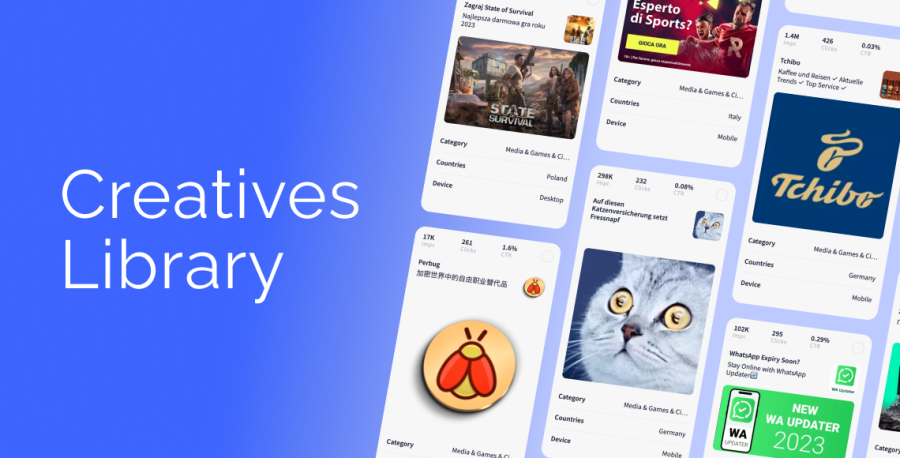
Creatives Library is a service that reduces the time it takes to create banners. Use proven, pre-made creatives from the RollerAds library!
Browsing the database, you can get inspired by other people’s creatives*, or choose the ones you like best and make them your own by creating new ad campaigns with RollerAds.
Advanced filters help you quickly find creatives that are right for your project. Once you subscribe, there are multiple search criteria available for extending sorting:
- Clicks, impressions or CTR;
- Language and text of the creative ― created by machine learning, so that the probability of error is extremely low;
- Minimum number of views — by default, only those that have received more than 10,000 views on all geos combined are shown;
- Country;
- Device;
- Categories — you can sort the creatives based on the following categories:
- Cinema & TV;
- Games;
- Media;
- Pin Submit;
- Sweepstakes;
- Nutra (white).
If you would like to expand the list of verticals and countries, contact your manager.
In the creative’s card, you can see where it was used, as well as the icon, image, title, and description.
With the Creotheca, or Creative Library, you save time and get great results. To gain access to this library, get in touch with your manager.
*WE DO NOT SHOW THE CREATIVES OF ADVERTISERS WORKING THROUGH OUR PLATFORM.