User Guide on how to launch Push Ads in a few steps

User Guide on how to launch Push Ads in a few steps

Push notification is a new growing trend that’s why don’t miss the opportunity to launch push notification ads campaign here at Roller Ads. After registering you can fill your campaign budget and start to advertise with pushes in 3 simple steps:

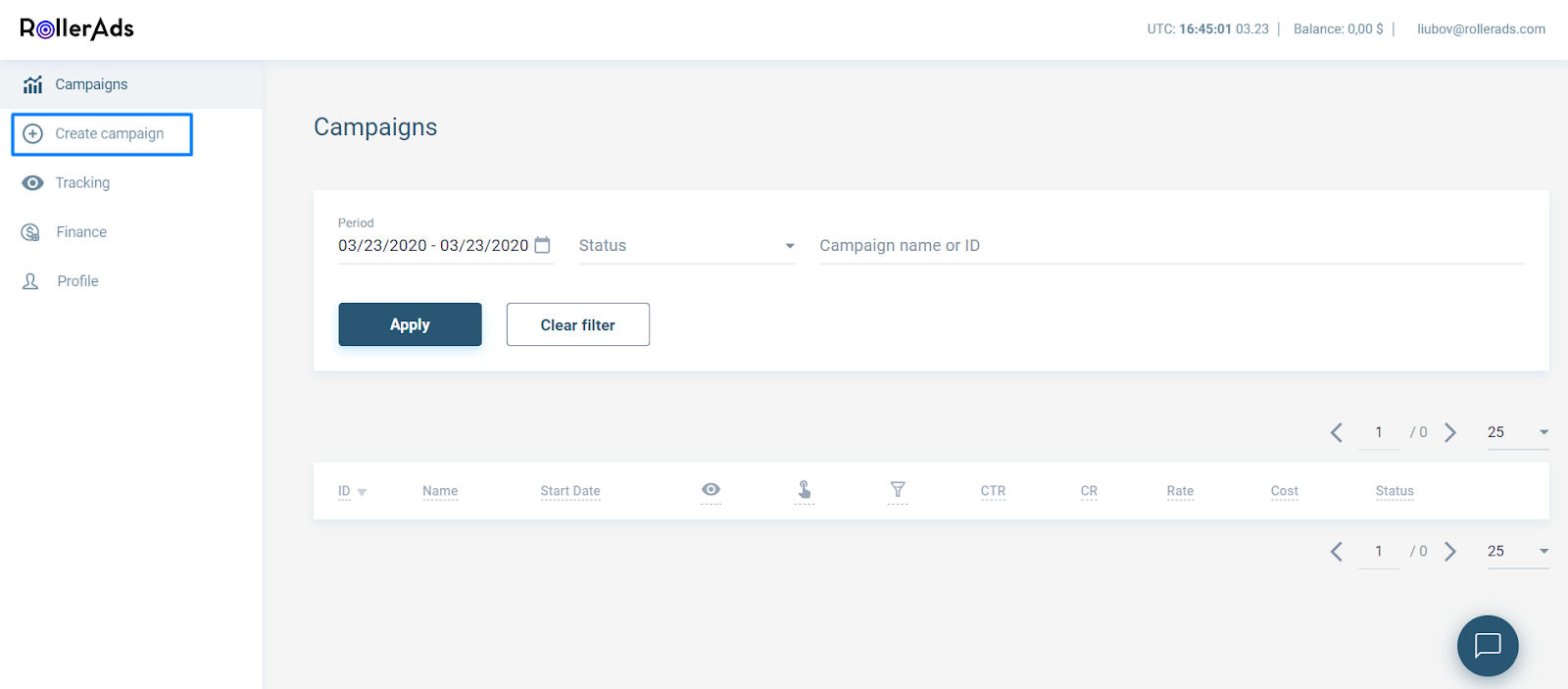
1) Create an account at Roller Ads and at the left go to tab “Create Campaign”
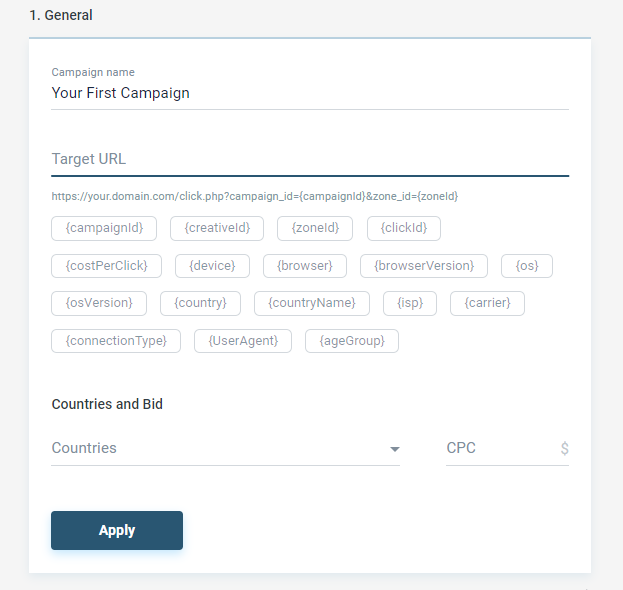
2) In ‘Campaign Settings’ configure first General settings: url, GEO, bids
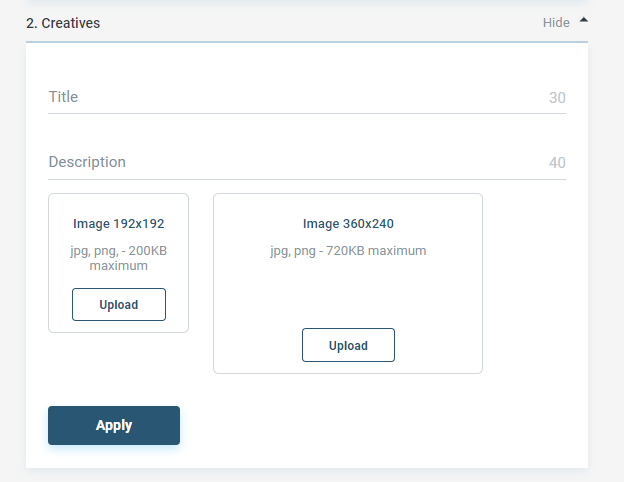
3) Upload creative you are planning to use for this specific campaign. You only need Title, Description and Image.
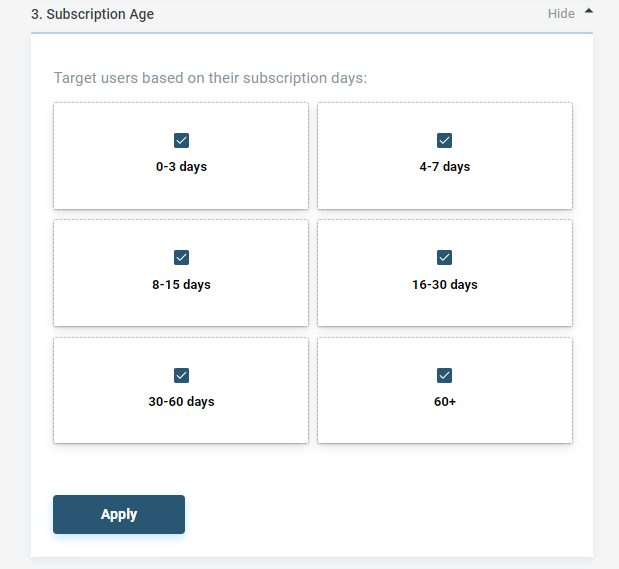
3) Once ready, choose subscription age, which means what time ago users subscribed to a website. You also choose which languages to include or exclude.
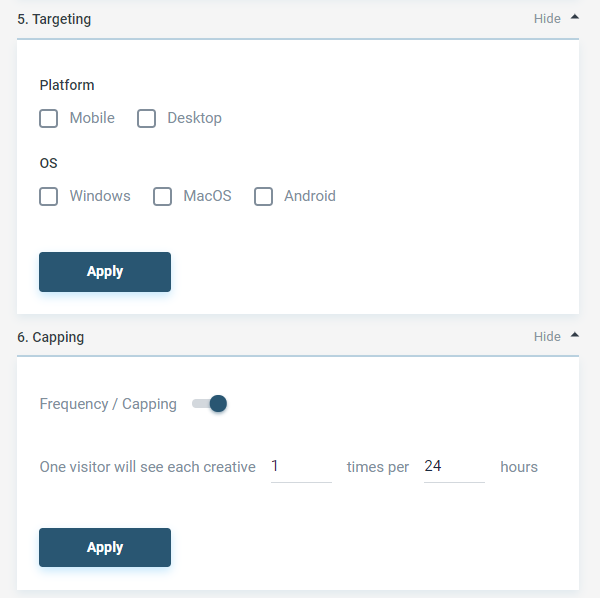
4) Finally, choose targeting options and cappings, which means how often users will see your ad.
5) Super! You are almost done! Set daily and total budget and start running your campaign immediately!

If you have any questions you can always contact us via contact@rollerads.com

Recent Posts

  • IAB targeting for Direct Click: Overview & case study

    IAB targeting for Direct Click: Overview & case study

    Learn how IAB targeting helps optimize Direct Click campaigns and boost ROI. Explore a real RON test case with step-by-step optimization and actual results.
  • Top strategies in affiliate marketing this spring

    Top strategies in affiliate marketing this spring

    Discover proven growth hacks—from Direct Click and desktop traffic to domain redirects and smart testing—to boost conversions without wasting budget.
  • New RollerAds open beta: The full-cycle ad network

    New RollerAds open beta: The full-cycle ad network

    New RollerAds is in open beta. Explore the revamped full-cycle ad platform with one dashboard for all roles, a built-in CPA network, and a full mobile version.
  • RollerAds guide to Sites

    RollerAds guide to Sites

    Learn how to monetize your websites and landing pages with RollerAds Sites section. Connect your site, pass moderation, add placements, and start earning.
  • RollerAds guide to Campaigns

    RollerAds guide to Campaigns

    Learn how to add funds, create a campaign, set up postbacks for conversion tracking and smart bidding, read your stats, and scale winning strategies.