Hello!
We’ve updated the process of adding and moderating websites for publishers. So now we’re about to tell you how it works now.
Step 1: Register as a Publisher
Skip this step completely if you already have a publisher account on RollerAds.
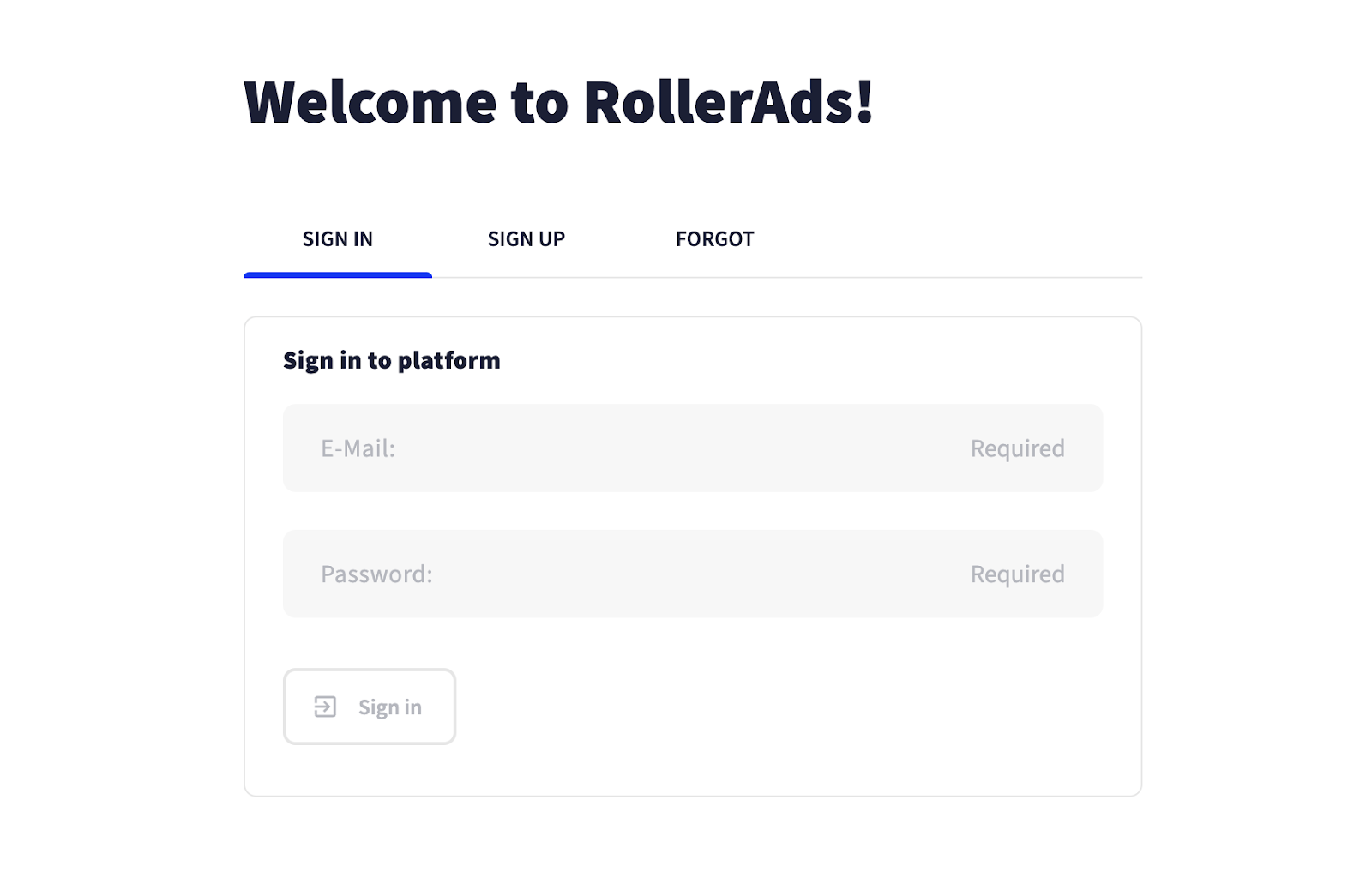
Register as a publisher on rollerads.com and enter your work email address — your welcoming email with a password will be delivered there in less than 5 minutes!
Step 2: Add Your Website
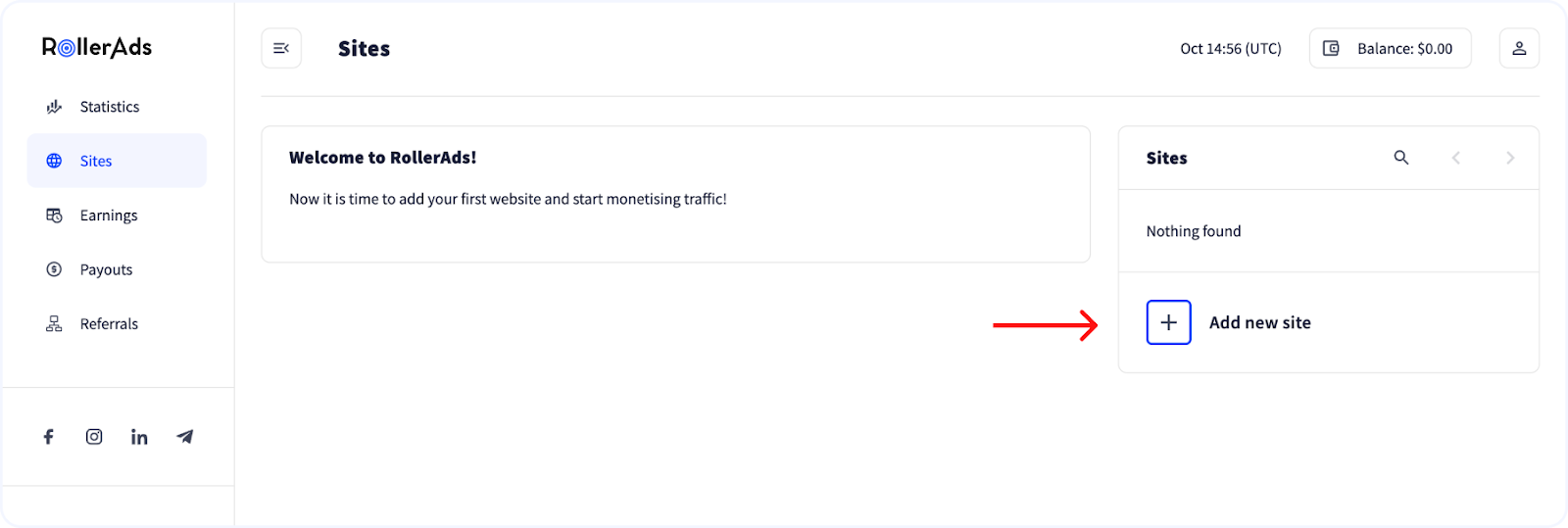
After successful registration, go to the “Sites” section and add one or more websites using the “Add new site” button.
Step 3: Website Verification
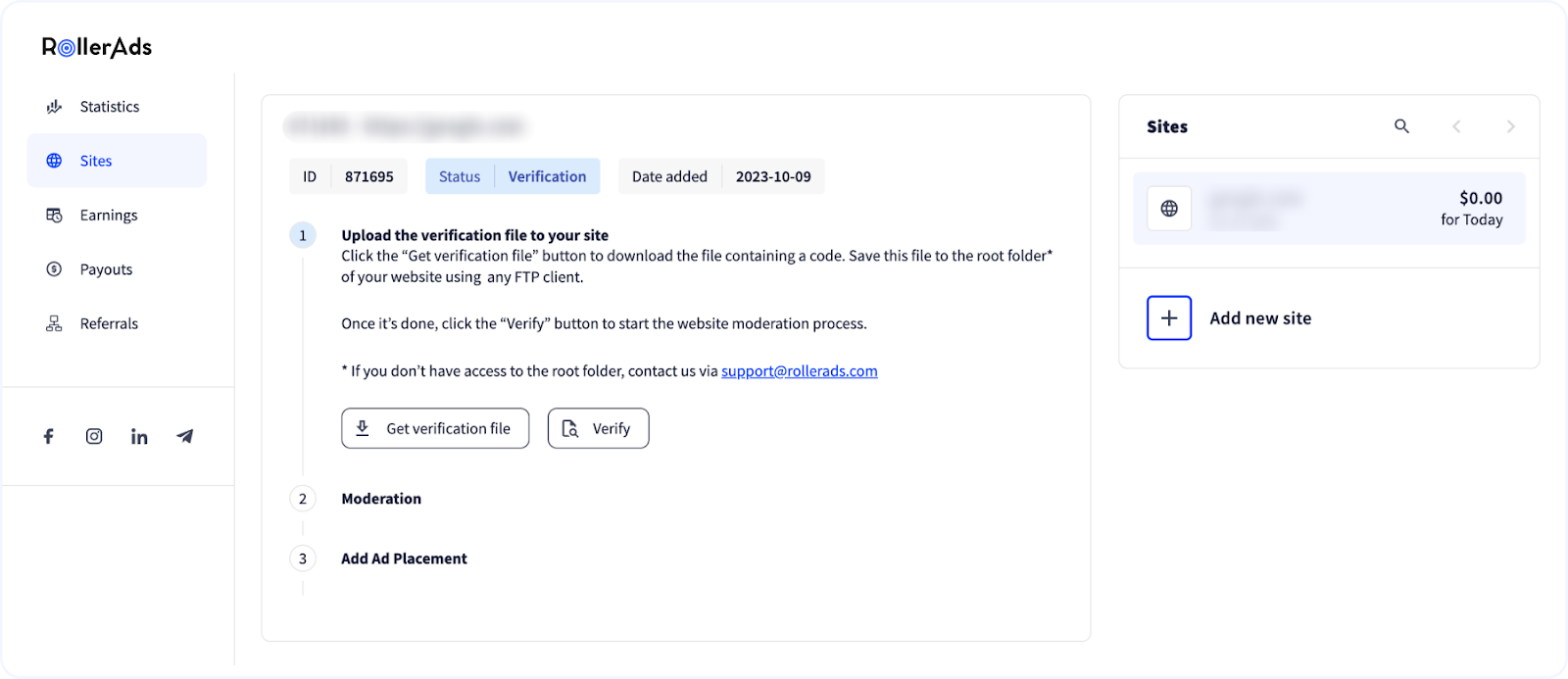
To make it easier for both of us, we ought to verify if you are the owner of the website. Simply download the Verification file and install it to the root folder of your website with the help of any FTP Client.
Having added the piece of code, press Verify. We’ll take it from here and proceed with manual website moderation.
*In case you don’t have access to the root folder, drop us a line to support@rollerads.com or in a live chat, so we can help you out.
Step 4: Manual Moderation
Next, we’ll check your website for compliance with our Quality Guidelines, which takes on average less than 24 hours.
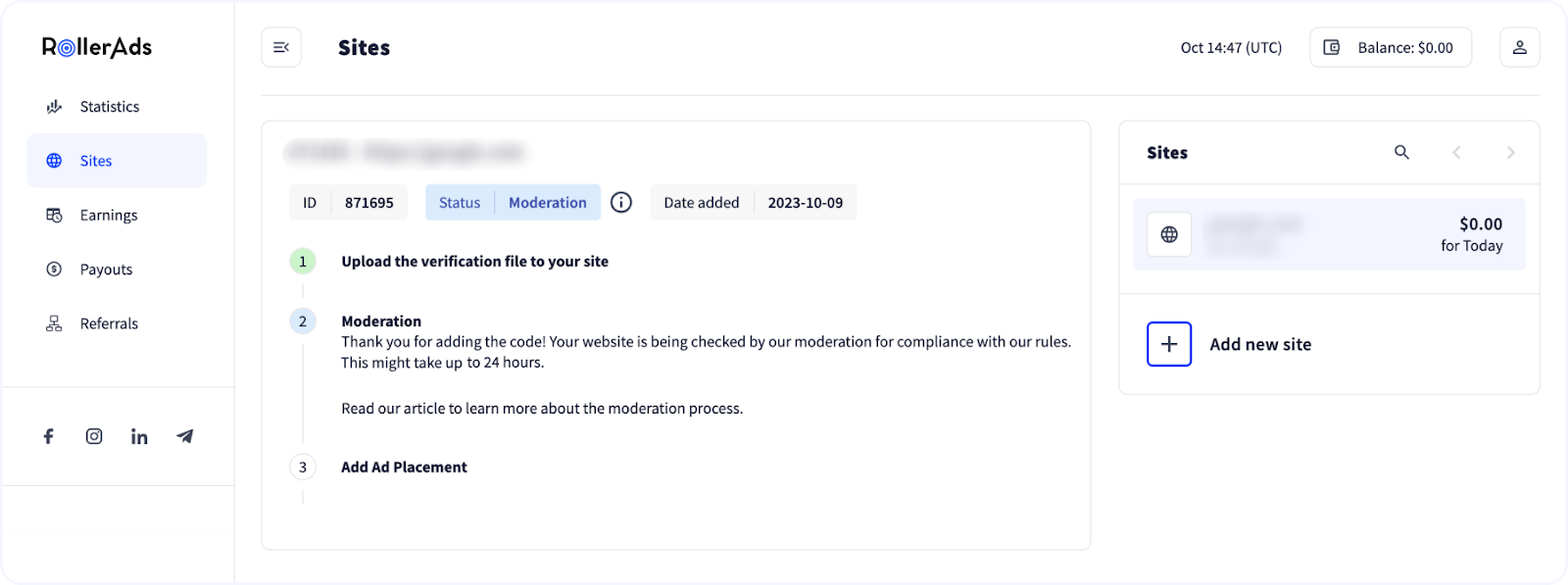
Make sure your website does not have anything related to:
- Adult content, erotica included
- Legally forbidden content, e.g., alcohol, cigarettes, drugs — although it mainly concerns the advertisers, a website promoting this type of content is likely not to pass
- BlogSpot, excluding WordPress
- No traffic, or 0 across all the metrics
- Inability to confirm one’s ownership, e.g., Google or Facebook pages
Contact our support team to learn why your website was or could be rejected.
Step 5: Adding Ad Placements
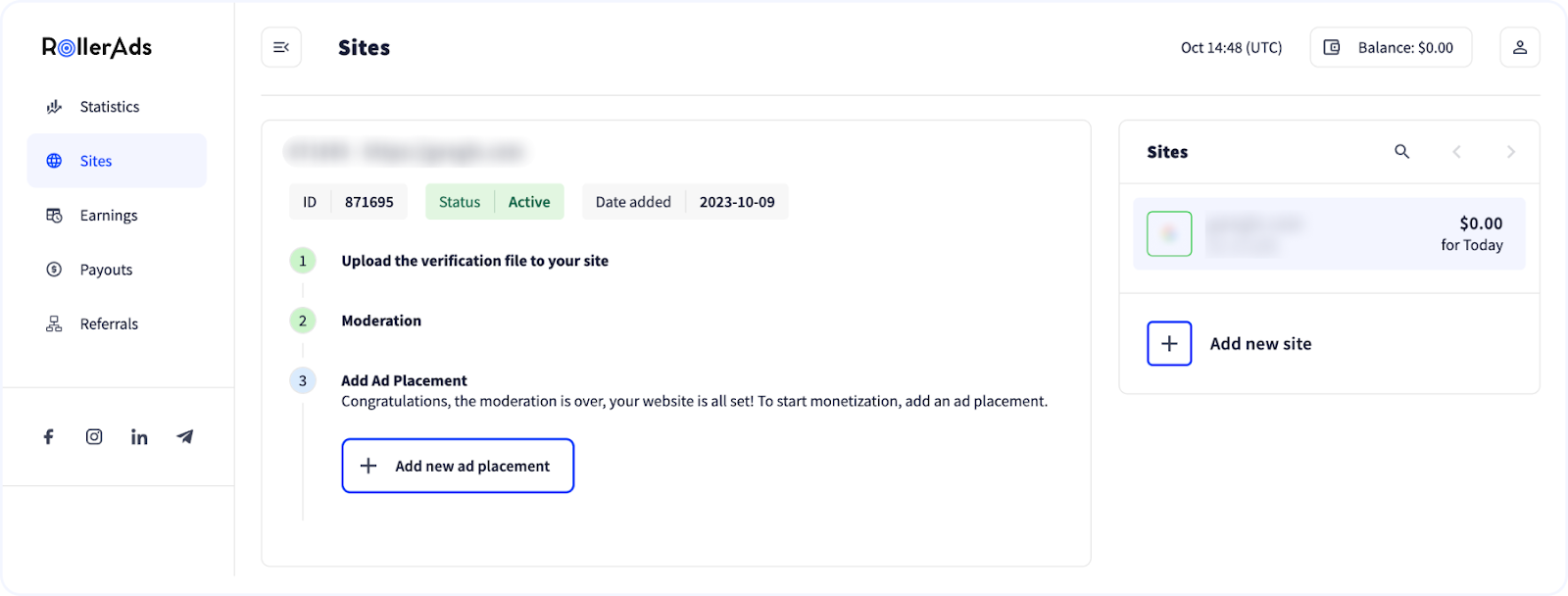
After passing the moderation, you need to add a one or several zones.
Step 6: JS Tag Implementation
Final stretch, generate a JS tag and integrate it to your website to start earning with us.
You can always contact our Support team if you still have questions about how to start working with RollerAds.